
Your 2025 Citroën C3 Aircross displays a route that goes through a roundabout that has been gone for six months, or ignores a recent detour. The problem rarely comes from the hardware: it is the GPS mapping that is no longer up to date. Updating the navigation system takes less time than you think, as long as you follow the right method according to your setup.
OTA Update for Citroën C3 Aircross GPS: What the Recent Software Architecture Changes
You may have noticed a notification on the touchscreen inviting you to accept an update. This is not a bug. Recent C3 Aircross models, especially those delivered since 2024, can receive updates directly through the vehicle’s screen, without a USB key or a trip to the dealership.
This mechanism, called OTA update (for “over the air”), works thanks to the vehicle’s built-in connection. Essentially, the system downloads new mapping data and software patches in the background. You just need to accept the installation.
Several Citroën dealerships, such as the one in Nîmes, are now communicating this procedure to their customers. The manufacturer is part of the broader trend of “software-defined” vehicles within the Stellantis group, where remote updates are becoming the norm rather than the exception. If you followed a C3 Aircross 2025 GPS manual from a few years ago, the procedure may have changed.
In practice, the vehicle must be parked with the ignition on to complete the installation. Some owners report that the update does not start if the battery level is too low, which mainly affects hybrid or electric versions.
GPS Update via USB Key: The Step-by-Step Manual Method
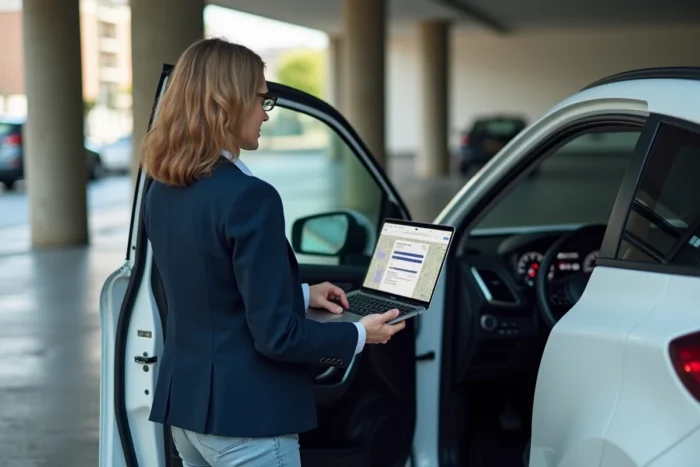
Not all C3 Aircross models have OTA connectivity, or it may be temporarily unavailable. In this case, updating via USB key remains the most reliable solution.
Prepare the USB Key and Mapping Files
You need a USB key formatted in FAT32, with enough free space. The update files can be downloaded from the official Citroën navigation website (citroen.navigation.com). You will need to identify your exact model and the version of your navigation system to obtain the correct files.
- Go to the Citroën update portal and select “C3 Aircross” from the model catalog
- Identify your navigation system using the VIN number of your vehicle, which you can find on the registration document or at the bottom of the windshield on the driver’s side
- Download the mapping files to your computer, then copy them to the root of the USB key without decompressing them into a subfolder
- Safely eject the USB key before removing it from the computer
Install the Update on the Vehicle
Insert the USB key into the designated port, usually located in the center console or under the armrest. Start the vehicle and access the navigation system settings via the touchscreen.
The system automatically detects the files and offers the installation. The operation can take between fifteen and forty-five minutes depending on the volume of data. Do not turn off the ignition during this time, and do not remove the USB key until the process is complete.
A confirmation message appears on the screen once the installation is finished. Restart the navigation system to check that the new maps are active.
Common Issues During Citroën GPS Update and Solutions
The update does not always go smoothly. A few situations frequently arise on Citroën owner forums.
The most common case: the system does not detect the USB key. This happens when the key is formatted in NTFS instead of FAT32, or when the files are placed in a subfolder instead of the root. Reformat the key and place the files directly in the root.
Another reported issue: no update appears on the online portal despite having a recent vehicle. The VIN number is not always recognized immediately, especially for vehicles delivered at the end of a series or specific versions. A visit to the dealership can then force the verification.
- USB key not detected: check the FAT32 format and the position of the files in the root
- Update interrupted: ensure the engine is running and the battery is sufficiently charged
- Same map version after installation: completely restart the system by turning off the ignition for a minute, then turn it back on
Frequency of Mapping Updates and Connected Services from Citroën
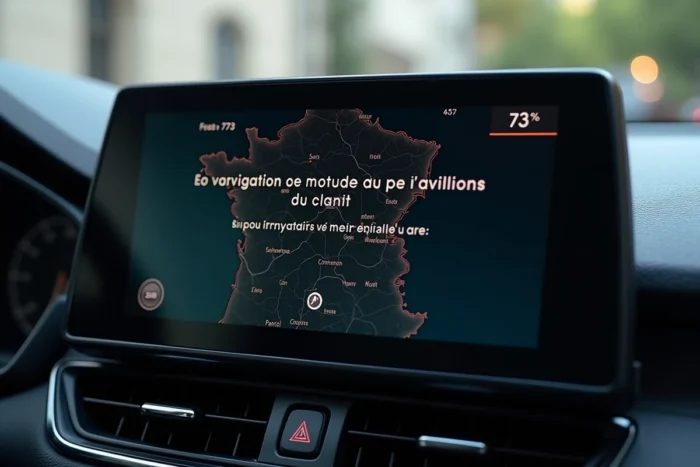
Why update regularly? Navigation maps do not keep pace with road changes. New roundabouts, changes in traffic direction, expanding low-emission zones: outdated mapping can send you into a dead end or a restricted area.
Citroën generally offers mapping updates at regular intervals, often linked to annual cycles. The connected services integrated into the vehicle (traffic info, danger zone alerts) also depend on the software version of the system. A GPS update sometimes includes patches for these additional features.
The current trend among car manufacturers, including Stellantis, is towards more frequent and automated updates thanks to centralized software architectures. For 2025 C3 Aircross owners, this means that checking for available updates every three to six months remains a good habit, whether through the vehicle’s screen or the online portal.
If your vehicle has active connected services, be sure to check that your subscription is still valid. Some real-time navigation features stop working when the included period expires without the system providing an obvious alert.